
Auto-selecting fuel providers and prices for flights
Manually managing fuel procurement for the fleet schedule can create administrative delays and lead to pricing errors. When dispatchers have to cross-reference external rate sheets for every leg of a flight, the risk of manual data entry mistakes increases. Skylegs removes this friction by automatically matching fuel providers and prices directly within the flight planning workflow.
Direct integration
Operators import fuel price lists via CSV files directly into the platform. When a dispatcher creates a flight, the system checks the airports and automatically assigns the designated provider and the current rate. This gives immediate visibility into route costs during the early stages of flight planning.
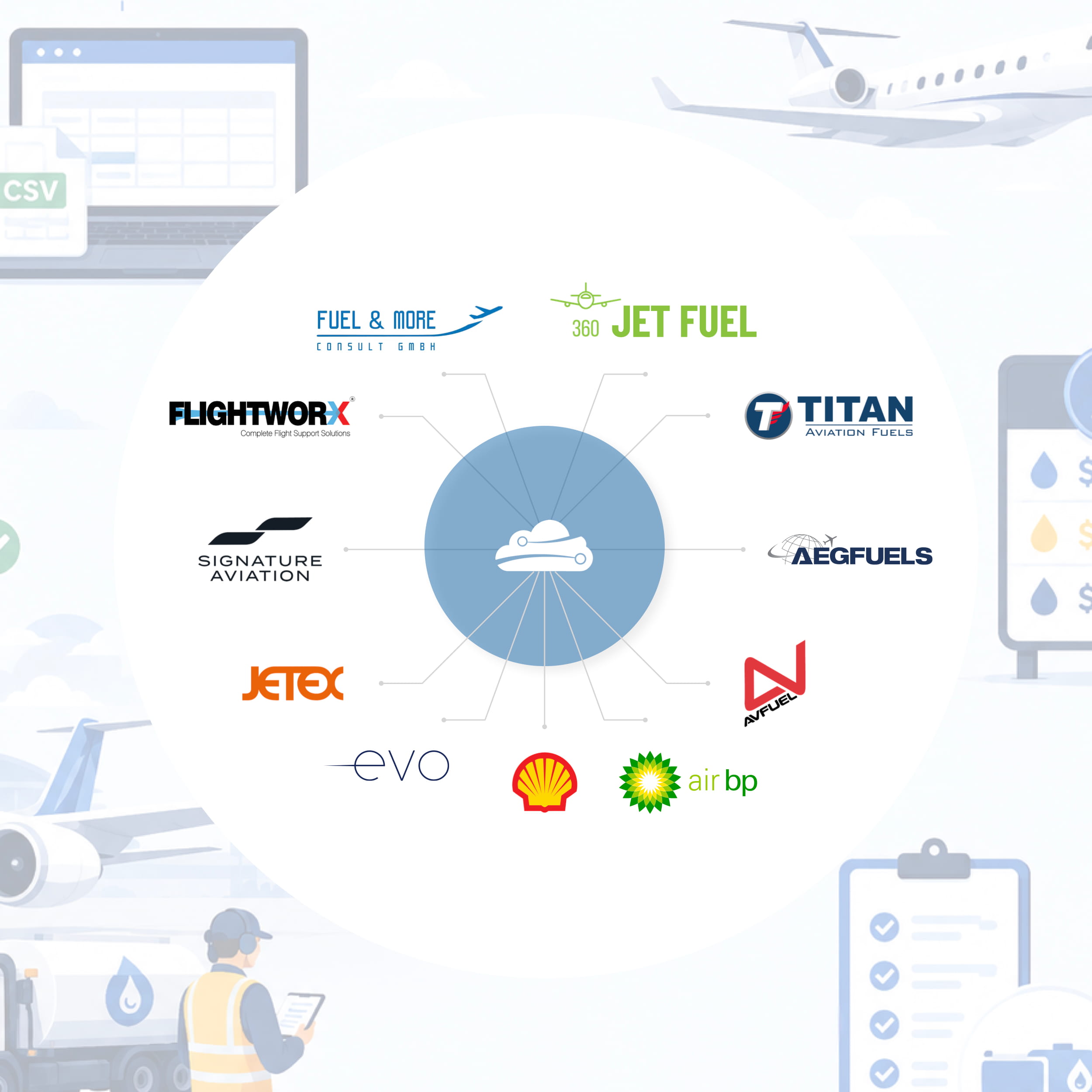
The platform natively processes data imports from major global and regional procurement partners: 360 Jet Fuel, AEG FUELS, Air BP, Avfuel, EVO Fuels, Flightworx, FUEL & more, Jetex, Shell, Signature, Titan Aviation Fuels, and others.
System triggers
Data automation requires safeguards to prevent new imports from altering historical logs. Skylegs applies prices based on when the flight was created and its current status:
- New flights: The system automatically applies the latest imported pricing to all new flights as soon as it is uploaded.
- Existing flights: For flights scheduled prior to the import, the automation only triggers if the fuel service status remains “open”.
If a flight is finalised or invoiced, the data locks automatically. This protects historical financial records from retroactive changes during routine rate updates.
Deduplication and template standardisation
Frequent rate updates can clutter databases if left unchecked. To maintain data integrity, Skylegs prevents duplication by prompting operators to either update an active price list with new effective dates, or overwrite a previous import to correct a mistaken upload.
For suppliers that do not generate standard CSV exports, an Excel template is available in the import interface. Operations teams can use this sheet to structure non-standard vendor data. Once uploaded, the system processes the file using the same automation logic applied to integrated providers, ensuring all supplier data is handled consistently.
Requests and checklists
The automated workflow extends to ground coordination once a provider is assigned. Schedulers use customisable communication templates to request fuel releases for arrival or departure. These templates automatically extract live aircraft, schedule, and crew details from the specific flight file, eliminating the need to draft release emails manually.
To verify execution on the ramp, operators can activate an optional checklist item within the flight log. This prompts the ground ops team to formally check that the fuel release has been acknowledged.
Conclusion
By automating fuel provider and price matching, Skylegs reduces the administrative burden on operations teams while protecting financial records from manual errors. Centralising vendor rates directly within the flight planning workflow gives dispatchers immediate cost visibility and ensures ground coordination remains accurate and efficient.

